

Your Online Banking Transition Guide
Welcome to Towne24!
Your accounts have transitioned to Towne24, the online and mobile banking platform for TowneBank. For your convenience, if you were enrolled in online banking at Dogwood State Bank, you do not need to re-enroll. Over the next few weeks, we encourage you to take the time to explore the platform and become familiar with the tools to help you manage your finances.
Your First Login
Login instructions were emailed to all users. If you did not receive your instructions, please contact Treasury Member Care using the information below. The video featured here provides you with an overview.
Treasury Member Care: 844-638-6714
Monday – Friday | 8:30 AM – 6:00 PM

Towne24 Mobile Banking App
Be sure to download the Towne24 Mobile Banking app from the Apple App Store or Google Play .
The first time you log into Towne24, you'll be guided through a brief setup process.
- Verify your identity using a one-time security code.
- Review and accept updated online banking agreements.
- Confirm your contact information.
- Establish new security preferences if prompted.
- Review your accounts and account nicknames.
- Be certain to download the correct mobile banking app from Google Play or the Apple App Store .
Once complete, you'll have full access to Towne24 online and mobile banking services.
Information regarding your account number, routing number, and amount will transition to the new system for your previously established transfers. However, the date you have established for recurring transfers will need to be re-established in Towne24.
- On or after November 2, you will need to log into Towne24 and re-establish the date you wish a recurring transfer will need to process.
- Some details for transfers you have established in the Dogwood system will transition to TowneBank. This includes transfers between your Dogwood accounts or from your Dogwood account to an account at another financial institution.
After November 2, you will need to re-enroll in Zelle® through Towne24.
- Log into Towne24.
- Select Money Movement from the menu.
- Select Send Money with Zelle from the list of options.
- Re-enroll your email address and/or mobile phone number.
- Re-establish your contacts.
Any account alerts you previously received through Dogwood Online Banking did not transfer.
You will need to create new alerts within Towne24.
- Low balance alerts
- Deposit alerts
- Withdrawal alerts
- Payment reminders
- Security notifications
Statement delivery preferences did not transfer automatically.
You will need to re-enroll in paperless statements within Towne24.
- Navigate to Settings & Alerts.
- Select Statement Delivery from the drop-down menu.
- Accept the electronic delivery agreement.
- Re-enroll in paperless statements.
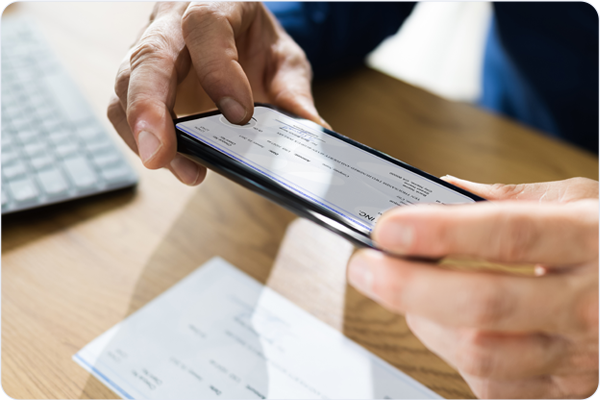
Mobile deposits are available with temporary limits that may be lower than your current deposit limit.
- You can make single check deposits with the Towne24 mobile app.
- Temporary deposit limits will be available until November 3.
Choose the service you use below for the information you need to reconnect your accounts.
Visit our Migration Toolkit for instructions to reconnect your Quicken or QuickBooks accounts when the systems become available.
Go to Migration Toolkit →If you have linked Dogwood accounts using Plaid Exchange, you will need to re-link the account using the Towne24 URL below.
Re-Link Through Towne24 →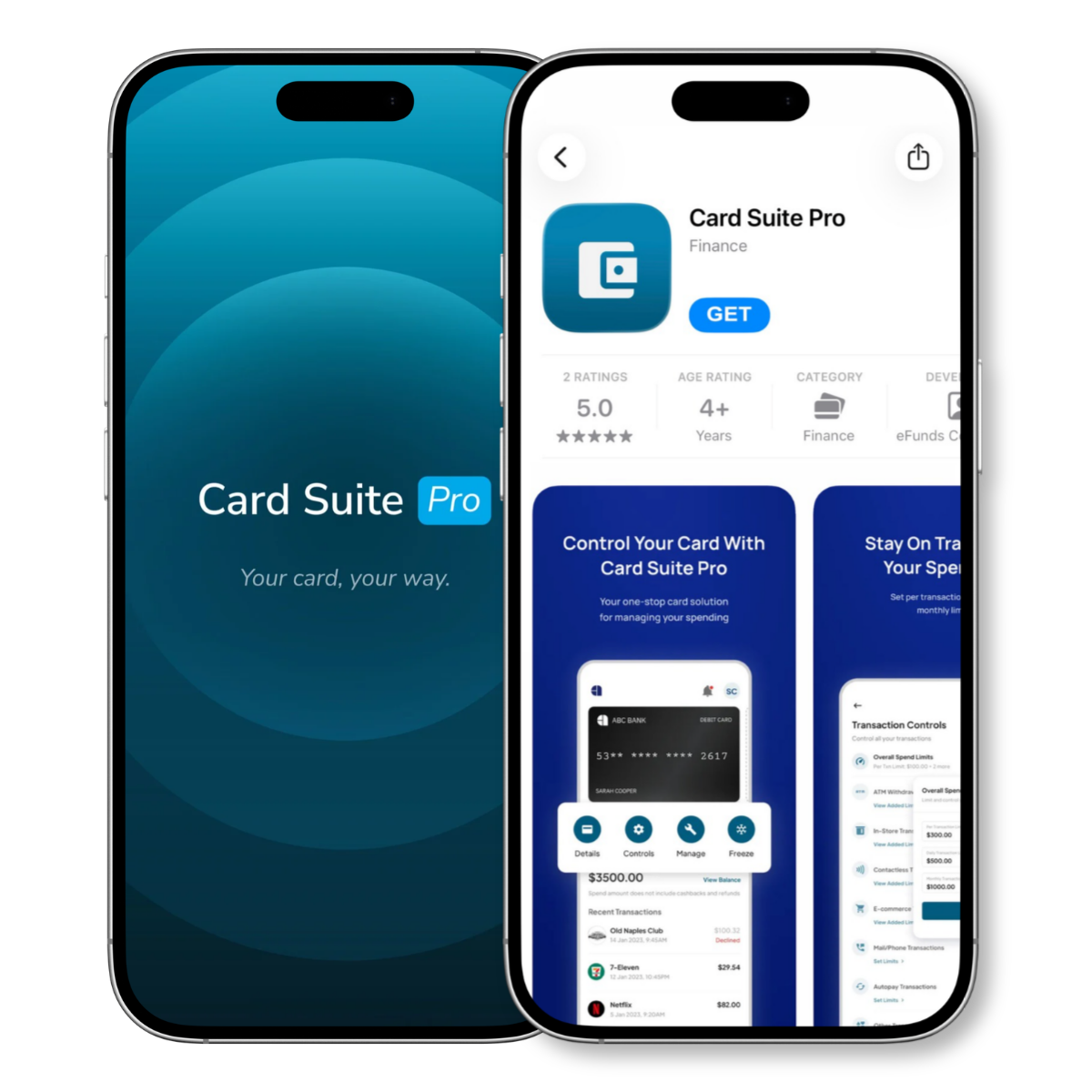
- Activate your card.
- Freeze and unfreeze your debit card.
- Manage card usage controls.
- Receive card transaction alerts.
Here are some common account questions we'd love to answer for you.
-
No. Existing alerts from the Dogwood State Bank online banking system did not transfer.
After logging into Towne24, you will need to create any account, balance, security, or transaction alerts you wish to receive. -
Your Bill Pay information should have transferred; however, we recommend that you log in and verify that your billers and scheduled payments are correct.
-
Yes. Former Dogwood customers need to download and use the Towne24 mobile banking app.
-
No. You will need to re-enroll in paperless statements after logging into Towne24.
-
Most will continue to use the username you used at Dogwood. However, in some cases usernames may have changed to fit the criteria for TowneBank usernames. If this is the case, you should have received an email details about this change. If you did not receive an email communication and your username appears to be different, please contact Towne Member Care at 844-638-6714, M-F, 8:30 AM - 6:00 PM.
-
No. For security purposes, Zelle enrollments do not transfer. You will need to re-enroll in Zelle within Towne24 after your first login and re-establish your contacts.
-
If your loan and the account you pay from were both at Dogwood, the payment information transfered to Towne24. However, you need to log into Towne24 and re-establish the date for any recurring transfer.
-
While the details about your existing transfers moved to Towne24, we recommend that you review the information and establish the scheduled date.
-
Select the Login button at the top right-hand corner of the TowneBank website, then select 'Towne24' from the list of drop-down options. You can log in using the same username and password you used at Dogwood State Bank. If you are unable to log in, please contact Towne Member Care at 844-638-6714, M-F, 8:30 AM - 6:00 PM.

844-638-6714 | M-F, 8:30 AM - 6:00 PM
For account questions, please contact your local TowneBank office or banker.
Your mobile carrier’s web access and text messaging charges may apply. Availability may be affected by your mobile carrier's coverage area.
*Zelle and the Zelle related marks are wholly owned by Early Warning Services, LLC and are used herein under license. U.S. checking or savings account required to use Zelle®. Transactions between enrolled consumers typically occur in minutes. In order to send payment requests or split payment requests to a U.S. mobile number, the mobile number must already be enrolled with Zelle. For your protection, Zelle® should only be used to send money to friends, family, and other people or businesses you trust. Payments made with Zelle® are like sending cash and may not be able to be recovered.
^Mobile check deposit is subject to eligibility and further review. Deposits are subject to verification and not available for immediate withdrawal. Deposit limits and other restrictions apply.
Quicken and QuickBooks are registered trademarks of Intuit, Inc