

As of Monday, June 22, Old Point Online has been updated to Towne24. Below, you’ll find helpful information about new features and updates to your login experience, mobile app, and services like Quicken, QuickBooks®, and Plaid. Our support team is here for you and ready to assist with any questions or guidance you may need as you get familiar with these updates.
Login Experience Updates
Online Banking Login Page
URL Update
If you saved (bookmarked) the URL for the Old Point Online login page, you will need to save the new one available here.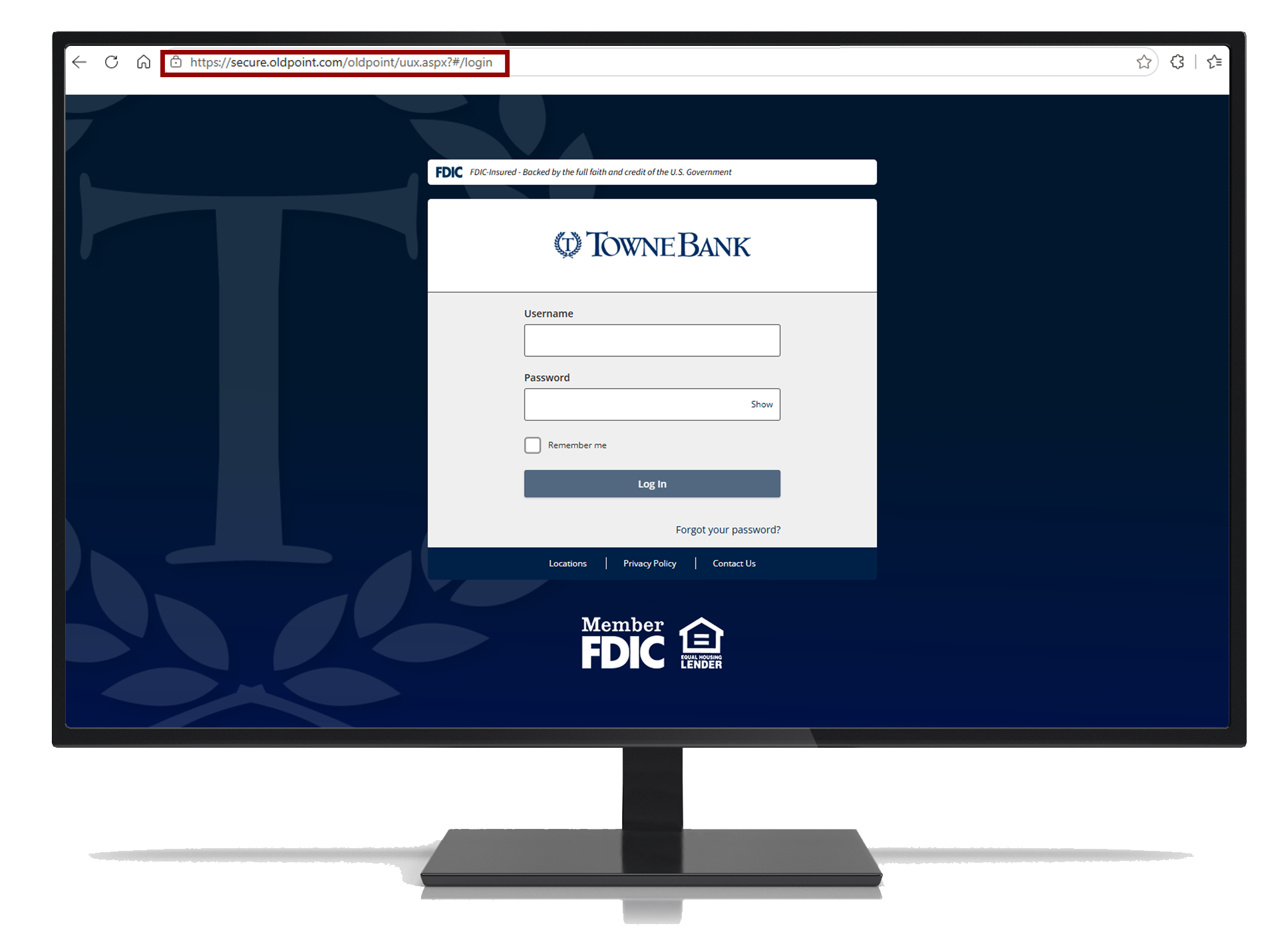
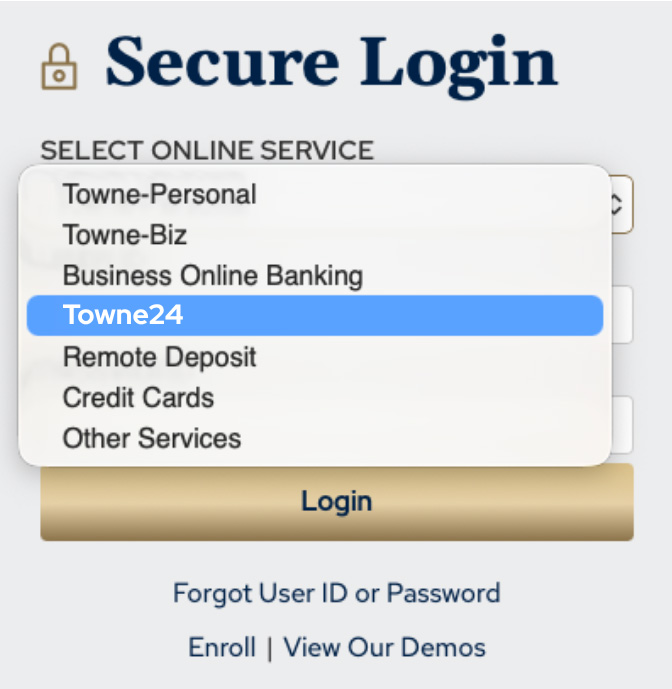
Updated Login Dropdown Options
TowneBank.com
If you log in to online banking through TowneBank.com, you will now select Towne24 from the login menu.
Quicken, QuickBooks® & Plaid Users
Quicken and QuickBooks will be unavailable for 3-5 days. Please visit our Toolkit for instructions to reconnect your accounts when the systems become available.
Quicken and QuickBooks
Check out our Migration Toolkit to make this process as smooth as possible for you.

Plaid Exchange Users
If you have linked TowneBank accounts using Plaid Exchange, you will need to re-link the account using this URL.

Old Point: Powered by TowneBank Mobile App
You may notice your Old Point: Powered by TowneBank mobile banking app update to a new icon featuring the Towne24 logo. As a reminder, you will need to login with your username and password one time and can then re-enable fingerprint or face login if that is your preference.
Enjoy a Refreshed Look & New Tools
A Fresh Take on Your Everyday Banking
Personal online banking users and some business users will see an updated online and mobile experience—designed to make managing finances simpler, smoother, and more convenient than ever.
Loan Payment Breakdown
Get a clearer, more confident view of your loan payments with our enhanced breakdown feature—designed to show exactly where your money is going, simplify tracking, and help you manage cash flow with ease.

Same Day ACH for Businesses
Our business members can send and receive payments faster with Same Day ACH—giving you quicker access to your money, more control over your cash flow, and the flexibility to handle important payments right when they matter.

Frequently Asked Questions
We know transitions can raise questions and we’re here to help! Here are some common questions we'd love to answer for you.
-
- If you have the old login link for Old Point Online saved, you need to update it to the new Towne24 URL.
- If you log into online banking using TowneBank.com, you will now select 'Towne24' from the login dropdown.
- If you are a business member using Quicken or QuickBooks, please follow these instructions.
- If you are a business member and have linked TowneBank accounts using Plaid Exchange, you will need to re-link your account using this URL.
If you need support at any point, help is just a call away with Towne Member Care at 844-638-6714. For our business members, we recommend contacting our Treasury Member Care team at 844-638-6724. Both teams are available Monday - Friday, 8:30 AM - 6:00 PM. -
The experience in Towne24 is very familiar to what you experienced in Old Point Online. Towne24 helps us build the foundation to introduce new enhancements to make your online and mobile banking experience better and more efficient. -
Towne24 brings a refreshed digital experience designed with you in mind. You can find what you need faster and do your everyday banking more simply.
These changes are available to help you feel more comfortable and confident when you log in for the first time. Even more improvements are coming soon! -
Towne24 sets the stage for many years to come. This update allows us to stay agile and able to introduce new enhancements to improve your overall online and mobile banking experience. -
Use this link as your new URL for Towne24. Please note this replaces the former Old Point Online URL, so you will need to update the link if you previously had it saved. -
Our priority is to provide you with the best possible banking experience. While change can take some adjustment, we strive to keep updates as smooth and familiar as possible. Every update we make is with you in mind, helping us deliver a simple, secure, and reliable experience now and in the future.
-
Your username and password should be the same as it was with Old Point Online. If you use fingerprint or FaceID to log in, you will need to enter your username and password one time and then re-enable this preference. -
Members who use Quicken or QuickBooks may experience a brief service interruption of approximately 3–5 days during this transition. We know how important these tools are, and we’re committed to making this as smooth as possible.
For your convenience, we have provided step-by-step instructions here. -
You may need to enter your username and password the first time you log in after Monday, June 22. If you use Face ID or fingerprint login on your phone, you will also need to sign in with your username and password and set that up again. -
Yes. Inside Towne24, you will have a better view of your loan, including more details about your balance and payments. We also offer a service called Loan Pay Plus. This lets you make loan payments quickly and easily—from a TowneBank account or another bank account. It gives you more ways to pay when it works best for you. -
While we’re working hard to ensure a smooth transition, we understand questions may come up. If you need support at any point, help is just a call away with Towne Member Care at 844-638-6714. For our business members, we recommend contacting our Treasury Member Care team at 844-638-6724.
Both teams are available:
Monday, June 22: 8 AM - 6:30 PM
Tuesday - Friday: 8:30 AM - 6:00 PM.
Quicken and QuickBooks® are registered trademarks of Intuit, Inc.
Your mobile carrier's web access and text messaging charges may apply. Availability may be affected by your mobile carrier's coverage area.